PHOTOSHOP WORKSPACE
Here we will be discussing about the “Workspace” of the Photoshop to do our stuffs editing.
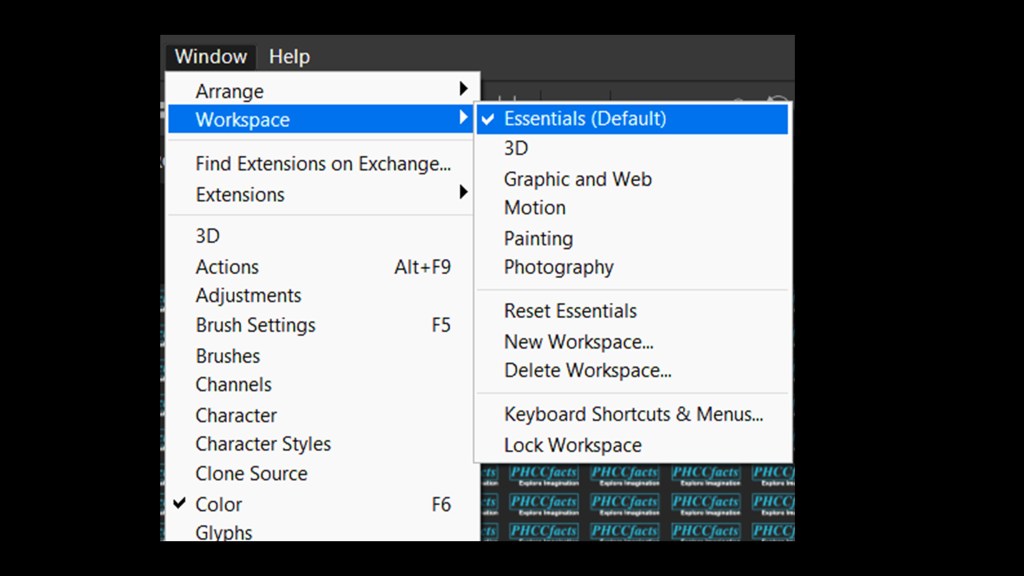
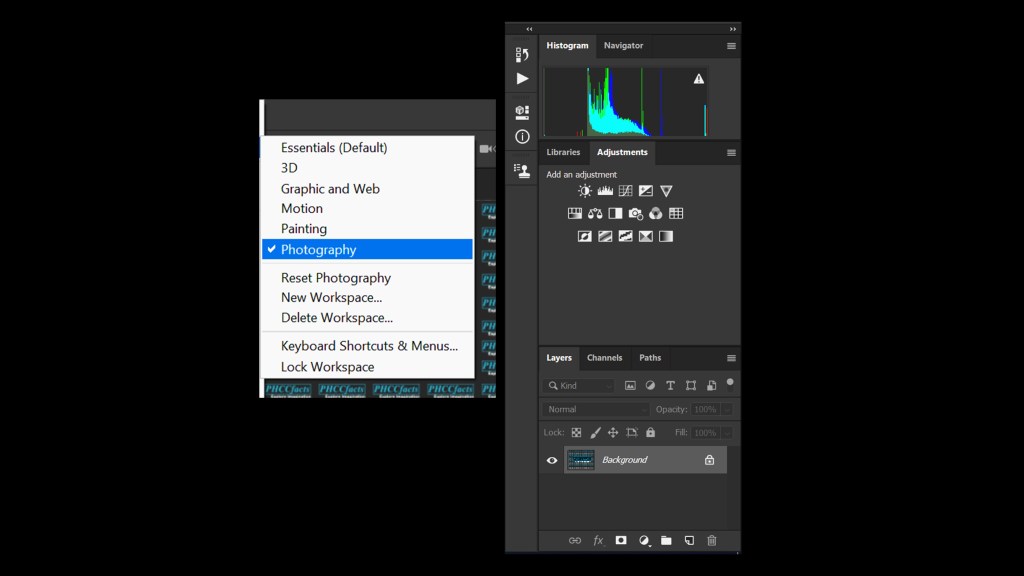
According to the need we have different workspace for us under the “Windows ” in menu bar like Essentials, 3D, Motion, Painting, Photography, Typography ; where by default we will be having workspace as Essential opened for us.
ESSENTIALS (Default) WORKSPACE
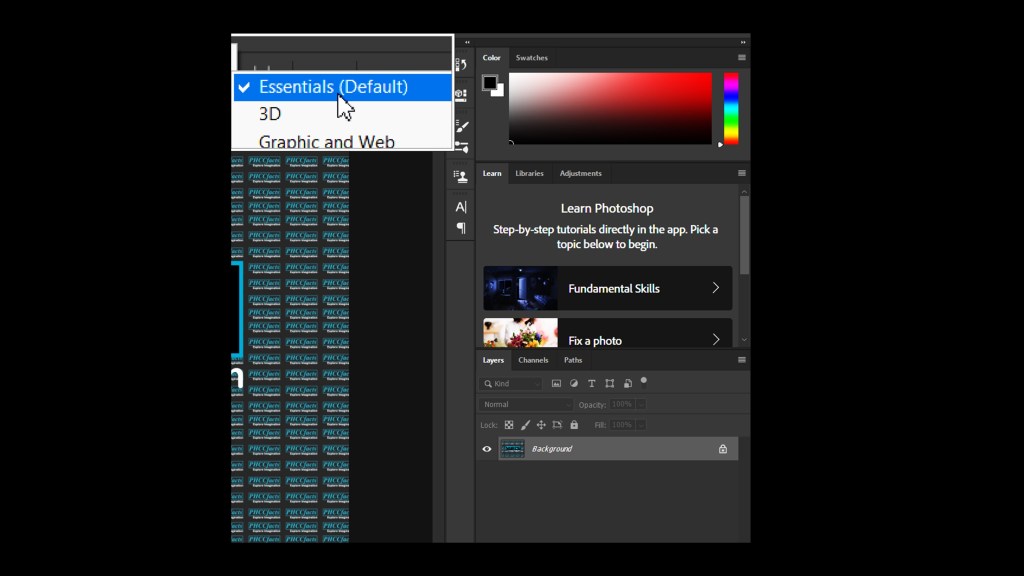
Photoshop cc default workspace is Essentials where we will be finding Layers panel , color panel and adjustment panel at the right part of the application. Helps in creating different layers , adjustments effects and switching between the desired colors from the color panel . We have Channels(RGB) and Path options available in the Layer panel
3D WORKSPACE
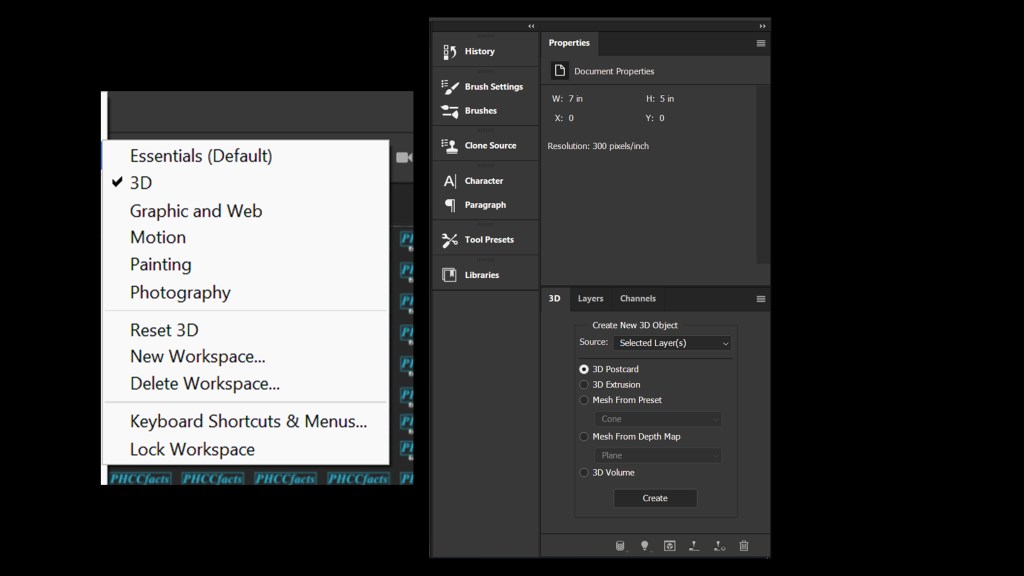
In the 3D workspace we will have different pre-loaded 3D presets or meshes. Such panels like 3D panel, properties , layers, channels all this are related to editing 3D objects.
GRAPHIC AND WEB WORKSPACE
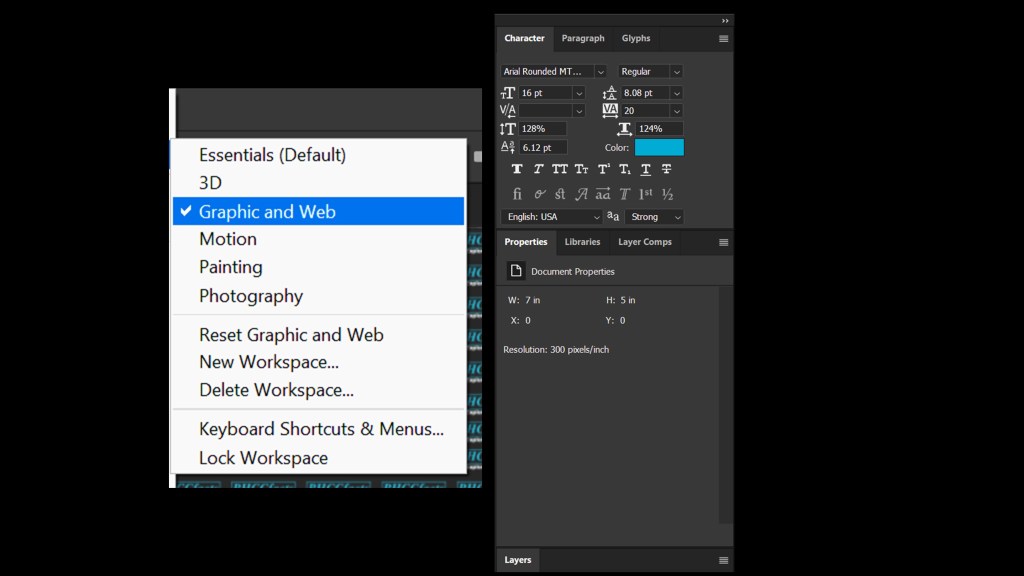
In this workspace tools for creating a beautiful text structure tools are available to make a attractive web typographic images or texts. We can adjust text size , alignment , fonts , and many more to design a text . Here also we will be having the layer, properties and layer composition panels.
MOTION WORKSPACE
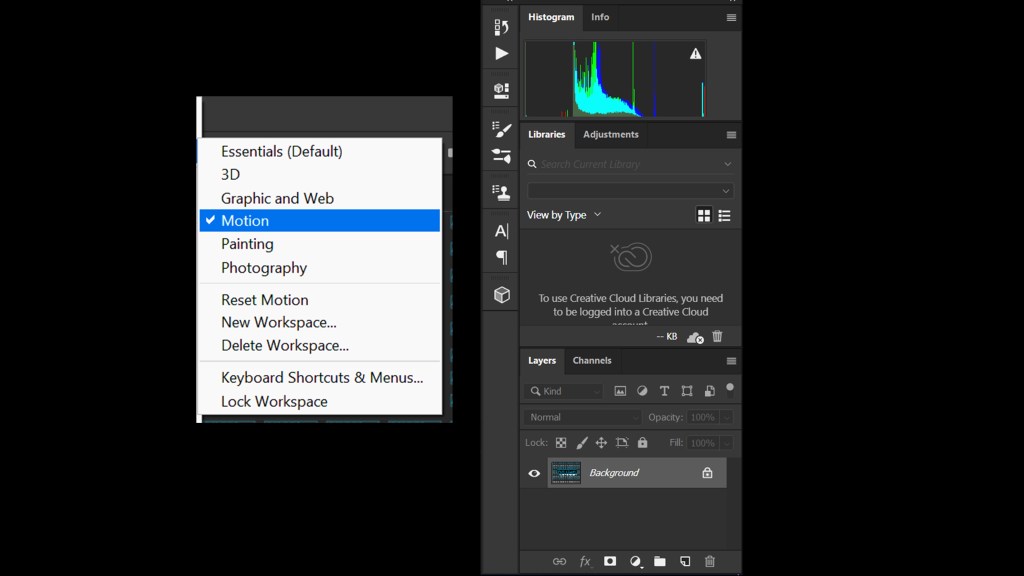
This workspace is used if the user wants to create any animations. Here we will be availed with the Histogram, Adjustments , Creative Cloud(Sign Up Needed) , Layers and Channels Panels. A timeline bar will appear below the document to set the layers according to the wish to animate it to needs.
Motion Workspace 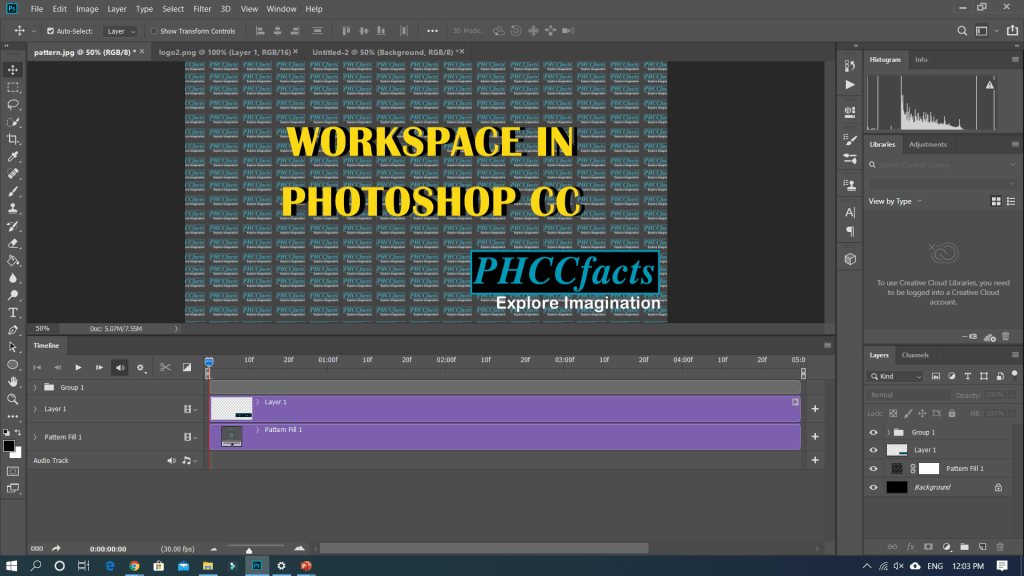
Timeline appears at the bottom.
PAINTING WORKSPACE
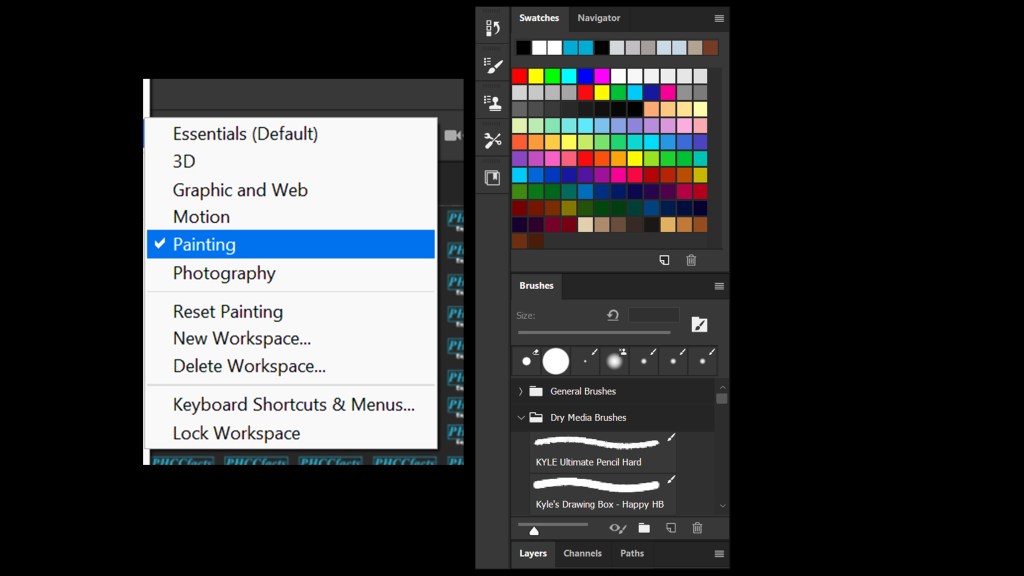
This workspace helps the creative painters to draw their imaginations. We have color pannels , different Brush presets , layer , channel and path panels. Detail on brushes tools we will be discussing later in this series.
PHOTOGRAPHY WORKSPACE
Users friendly workshop and favorite workspace of photography members is the Photography Workspace. Her a perfect study of image colorize is available by the his Histogram panel and have a adjustments panel also a layer, channel and path panel.
Hence we completed here with this topic about different workspace functionality . In the upcoming blog we will be discussing on Photoshop Tools.
 PHCCFACTS
God Job 👍 keep it up
LikeLiked by 1 person
Thanks 🙂
LikeLike
👍 well done…
LikeLiked by 1 person
👍 well done…
LikeLiked by 1 person
thanks 🙂
LikeLike
Great start!! 👍👍
LikeLiked by 1 person
Thanks 🙂
LikeLike
Han seya ta
LikeLiked by 1 person
haha.. han seiya ta
LikeLike
Nice👍👍great start
LikeLiked by 1 person
Thanks 🙂
LikeLike
Tremendous! Keep working on it…
LikeLiked by 1 person
Thanks 🙂
LikeLike
Good Job. Keep on for better tricky tips.
LikeLike